


Description
Download Awasu Personal Edition – RSS news reader, personalized news feed, mobile news aggregator, real-time updates, content tracking tool
Overview
Awasu Personal Edition is a dedicated RSS news reader crafted to help users stay informed by tracking updates from their chosen online sources. Designed with both simplicity and power in mind, the app enables individuals to aggregate content from multiple websites, blogs, and news outlets into a single, organized feed. This makes it particularly useful for professionals, researchers, and information enthusiasts who rely on timely updates across various domains. The app’s core purpose is to streamline content consumption, reducing the need to manually visit multiple websites to check for new information.
Target users include anyone seeking a reliable, customizable way to monitor digital content without distractions. Whether tracking industry news, academic publications, or personal blogs, Awasu Personal Edition offers a centralized hub for real-time updates. The developer, Awasu, has positioned the app as a lightweight yet robust solution for content tracking, emphasizing usability alongside advanced functionality. Although the developer did not provide additional technical details, the app’s long-standing presence in the market suggests a stable foundation.
Real-world use cases include journalists monitoring breaking stories, students following academic journals, and remote workers staying updated on company communications. In the broader app ecosystem, Awasu fills a niche for users who value control over their information intake and prefer a self-hosted, privacy-conscious approach to news aggregation. Its focus on customization and integration supports a personalized workflow, making it a valuable tool for productivity-focused individuals.
Key Features & Functionality
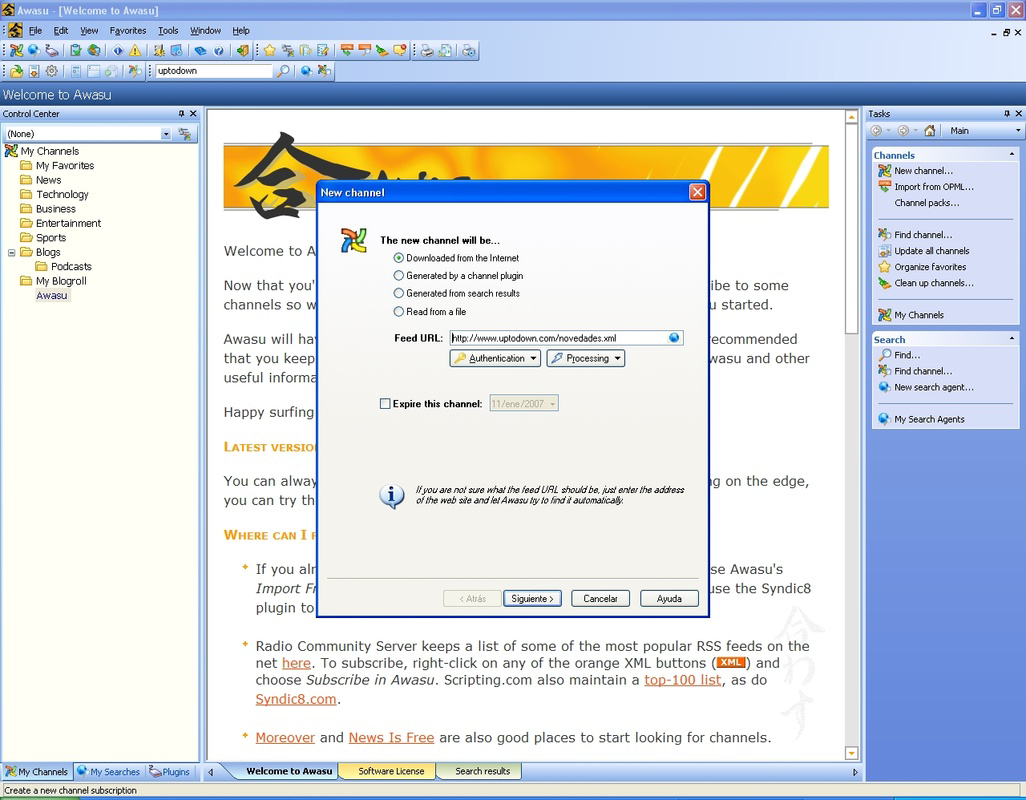
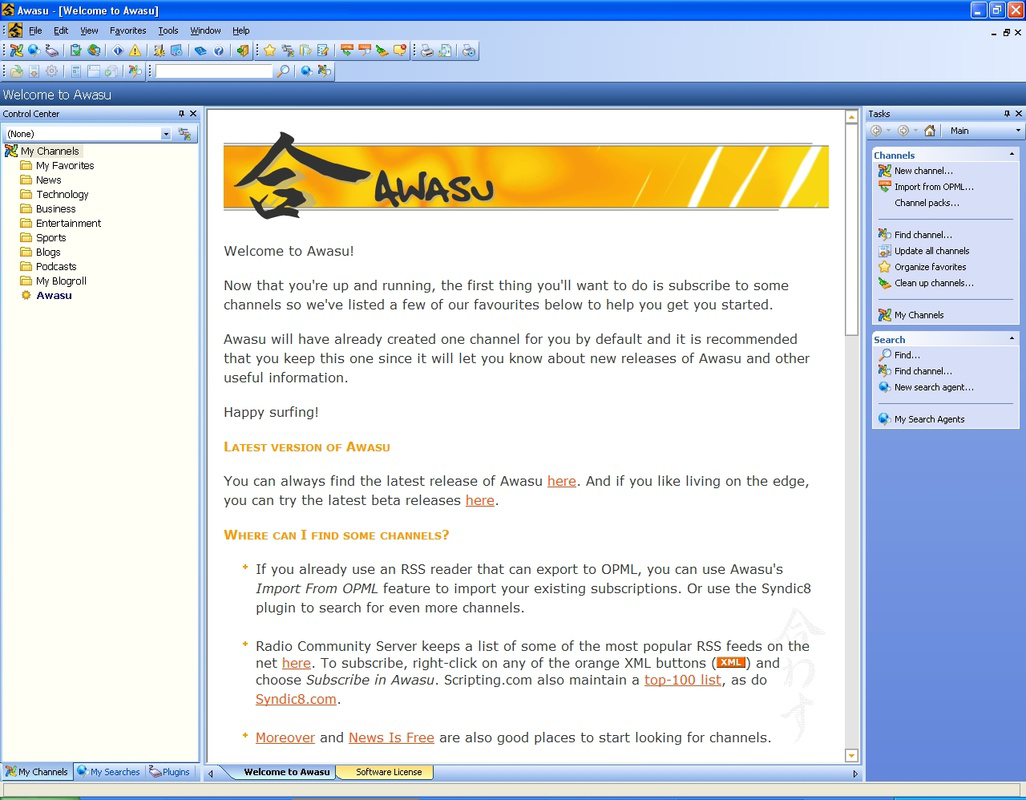
- User-Friendly Interface: Awasu features a clean, intuitive layout that simplifies the process of adding and organizing RSS feeds. Users can categorize channels, assign descriptions, and manage subscriptions with minimal effort, ensuring a smooth onboarding experience.
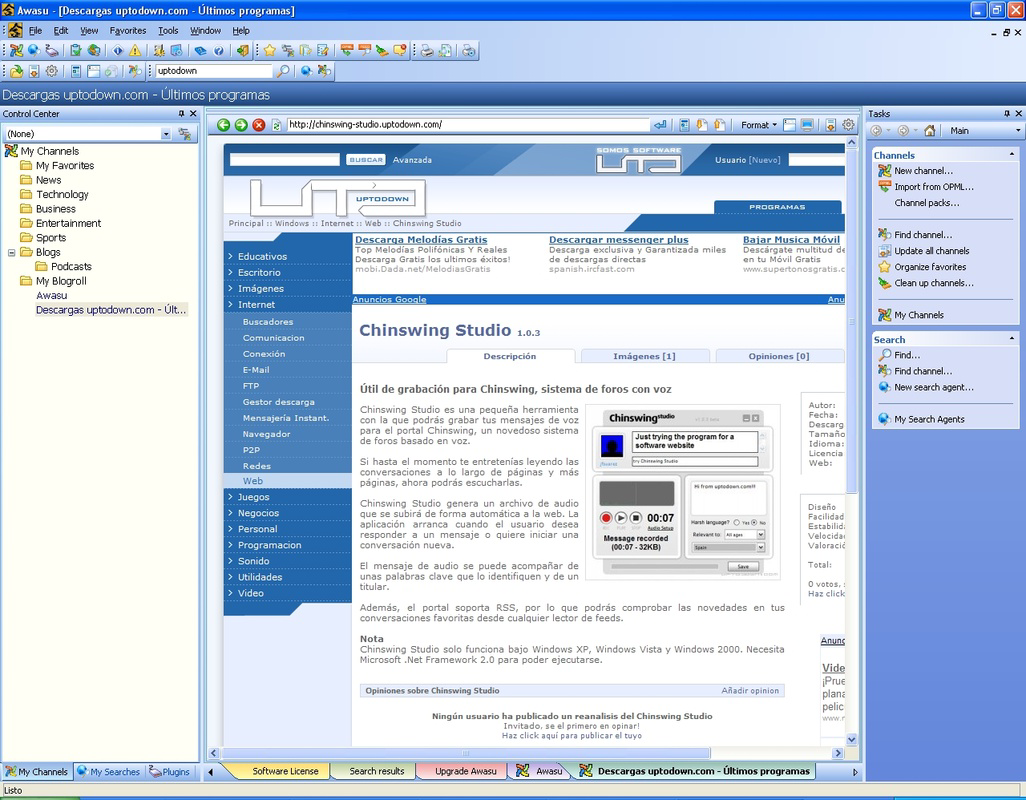
- Integrated Browser: The app includes a built-in browser that allows users to view full articles directly within the app. This eliminates the need to switch between multiple apps or tabs, enhancing workflow continuity and reducing cognitive load.
- Customization Options: Awasu Personal Edition supports layout adjustments, color schemes, and interface preferences, enabling users to tailor the reading environment to their comfort and workflow needs.
- Plugin Support: The app’s extensibility through plugins allows users to expand functionality based on specific requirements. This modular design supports advanced use cases such as automated content filtering, notification rules, and integration with external tools.
For example, a researcher might use the plugin system to automatically tag articles by topic or export entries to a reference manager. A professional could set up custom notifications for specific keywords, ensuring they never miss critical updates. These capabilities highlight how Awasu’s features translate into tangible benefits across diverse use cases, from academic work to daily information management.
Interface, UX & Performance
The user interface of Awasu Personal Edition reflects a balance between functionality and accessibility. The layout is structured to prioritize readability and navigation, with clearly labeled sections for feeds, articles, and settings. Visual design elements are minimalistic, focusing on content rather than decorative features, which supports prolonged reading sessions without eye strain.
Navigation is straightforward, with a consistent menu structure that allows users to move between categories, view article lists, and access settings with few taps. The app’s responsiveness appears to be optimized for smooth scrolling and quick loading of content, although the developer did not list formal performance metrics. Users on a variety of Android devices should expect stable operation, as the app’s size of 28.3 MB suggests a lightweight footprint.
Although the developer did not specify minimum OS requirements, the app’s long release history implies compatibility with a broad range of Android versions. Stability appears to be a priority, given the app’s enduring presence in the market. The absence of reported crashes or performance issues in public records further supports its reliability. Overall, the UX is designed to minimize friction, allowing users to focus on content rather than navigation.
Platform Compatibility & Technical Requirements
Awasu Personal Edition is available exclusively on the Android platform. The current version is 1.0.0, with a file size of 28.3 MB, indicating a compact and efficient installation. The app is priced at $4.99, reflecting a premium positioning in the productivity category. While the developer did not specify minimum OS requirements, the app’s release date of October 20, 2011, suggests it may support older Android versions, though this cannot be confirmed.
Compatibility with modern devices remains uncertain due to the lack of updated technical details. Users should be cautious about installing on newer Android systems, as older apps may face issues with security updates, permissions, or API changes. The absence of recent updates raises questions about ongoing support and future compatibility. However, the app’s core functionality may still operate on compatible devices, particularly those running stable, legacy Android versions.
Pros and Cons
Pros
- Intuitive interface for easy feed management
- Integrated browser for seamless article viewing
- High degree of customization for personal workflow
- Extensible through plugin support
- Compact file size for efficient storage use
Cons
- No recent updates since 2011, raising compatibility concerns
- Developer did not provide OS version requirements
- Limited availability to Android only
- No official support for iOS or other platforms
- Premium pricing without visible modern features
FAQ
Is Awasu Personal Edition safe to download and install?
The app is available through official Android channels and has been in use since 2011. However, due to its age and lack of recent updates, users should ensure their device’s security settings allow installation from unknown sources and review permissions carefully.
Can I use Awasu Personal Edition on iOS devices?
No, the app is currently only available for Android. There is no official iOS version, and the developer has not announced plans for cross-platform expansion.
Does Awasu Personal Edition require an internet connection?
Yes, an active internet connection is required to fetch and update RSS feeds. The app does not store content locally beyond temporary caches.
How often does Awasu Personal Edition update content?
The app checks for updates based on the frequency set by each RSS feed. Users can also manually refresh the feed list to view the latest content.
Is Awasu Personal Edition free to use?
No, the app is a paid application priced at $4.99. It is not available as a free version or trial.
Final Thoughts
Awasu Personal Edition remains a notable entry in the RSS reader space, offering a focused, customizable experience for users who value control over their information flow. Its integration of a browser, plugin system, and clean interface makes it a powerful tool for content tracking, especially for those who prefer a self-managed workflow. However, its age and lack of recent updates present significant risks for modern Android environments, particularly with evolving security standards and API changes.
Despite these concerns, users who prioritize functionality over modern design and are willing to test compatibility on older or stable devices may still find value in the app. It serves best as a niche tool for long-term users of RSS technology who appreciate deep customization and offline usability.
Download Awasu Personal Edition now
Guides & Tutorials for Awasu Personal Edition
How to install Awasu Personal Edition
- Click the Preview / Download button above.
- Once redirected, accept the terms and click Install.
- Wait for the Awasu Personal Edition download to finish on your device.
How to use Awasu Personal Edition
This software is primarily used for its core features described above. Open the app after installation to explore its capabilities.
User Reviews for Awasu Personal Edition 0
No reviews found


